Start with the coin icon
Open Daily Tasks or Rewards from the garage and look for the yellow coin icon. Check the amount and any completion condition before starting. Complete the task and check your coin balance after claiming the reward. A green cash reward goes toward a different balance.
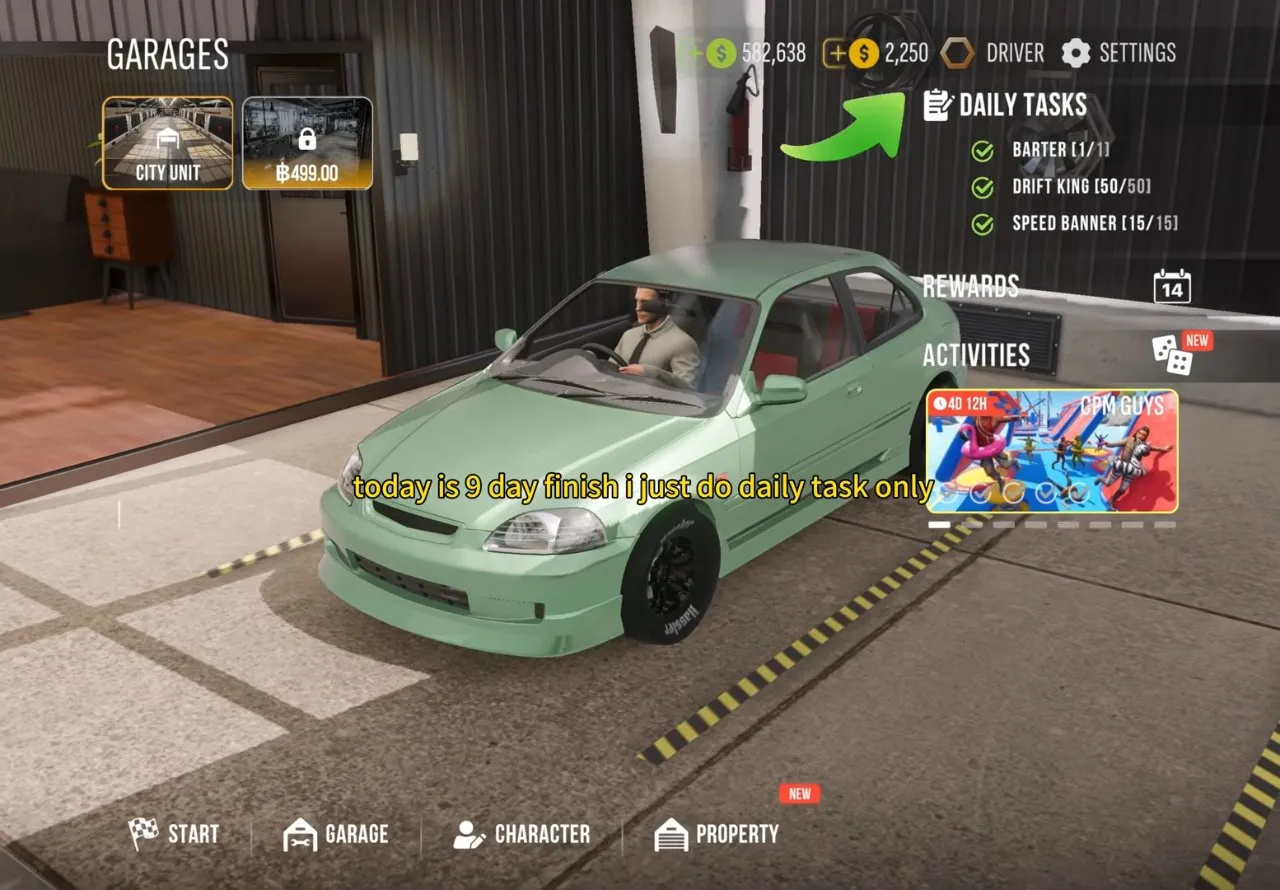
Check race rewards before preparing a car
One documented run used a Volkswagen Scirocco for Unlimited and a Toyota Supra MK5 for S9 and S10. That run reported 300 coins from a daily task and 2,200, 1,500 and 1,000 more across the three race stages. Check your event card, class eligibility and whether the reward is still available before buying or modifying a car. Check the balance after each stage to tell which reward was actually credited.
Plan a coin purchase
Look for the yellow price in the dealership before confirming. The CPM 2 car values list separates cash, coin and real-money cars. Open the cash guide if the amount you need is displayed in green instead.