Compare cash rewards and calculate how many runs and minutes it takes to recover a CPM 2 car or upgrade cost.
How to make cash in CPM 2
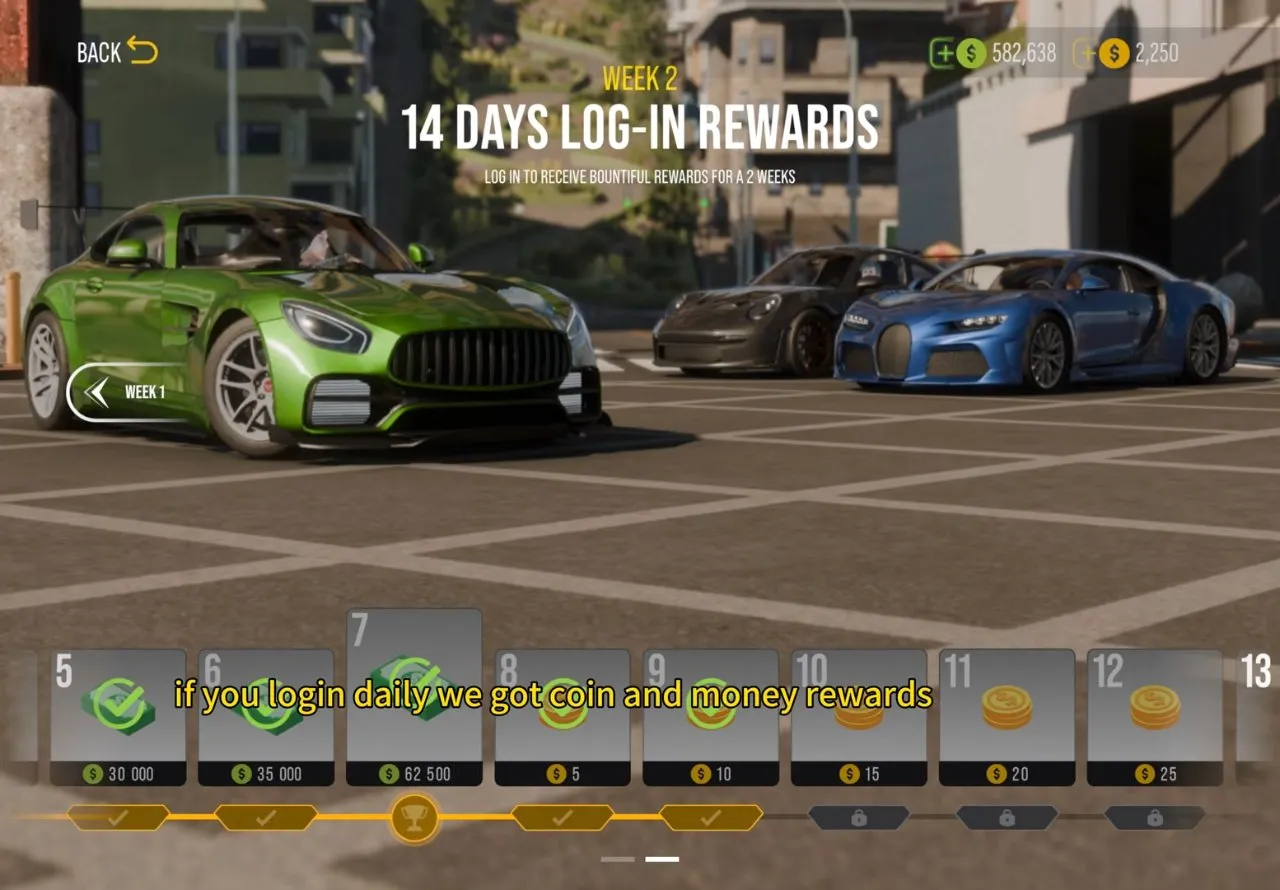
Start with tasks and login days that display the green cash icon. Open Daily Tasks to see which objectives are active, then open Rewards to claim any available login payout. The yellow icon belongs to coins. Compare the cash balance before and after the activity to know what it actually paid.
If you want a one-time route to try, the gift locations guide shows where to collect gift boxes. Player sales can also bring in cash once a buyer accepts the asking price. The sell-car guide explains the recorded sale workflow.
Calculate how many runs pay for an upgrade
Put the car and part costs you want to recover in Upfront cost. A cash-car preset fills the car's dealership cost, which you can edit to include upgrades. For Cash earned per run after expenses, subtract whatever you spend per run from the cash it pays. Enter the whole time per run, including the return to the start if your route requires it.
For example, an 18,000 cash investment at 3,500 net cash per run takes 6 runs. At 4.5 minutes per run, that is 27 minutes. The result uses whole runs and stays in one currency. If your purchase costs coins, plan it through the coins guide.
Frequently asked questions
What should I enter as net cash per run?
Subtract the expenses incurred during the run from the cash reward for that run.
How does the break-even calculator round runs?
It rounds up to the next whole run, then multiplies by the minutes per run.