List a car in a SALE bay
In CPM_MRZAW's recorded CPM 2 sale, the player lists a Golf in a multiplayer car-sale lot. Use the yellow bays painted SALE to identify the lot. Park inside an empty bay and look for the CAR SELL form.
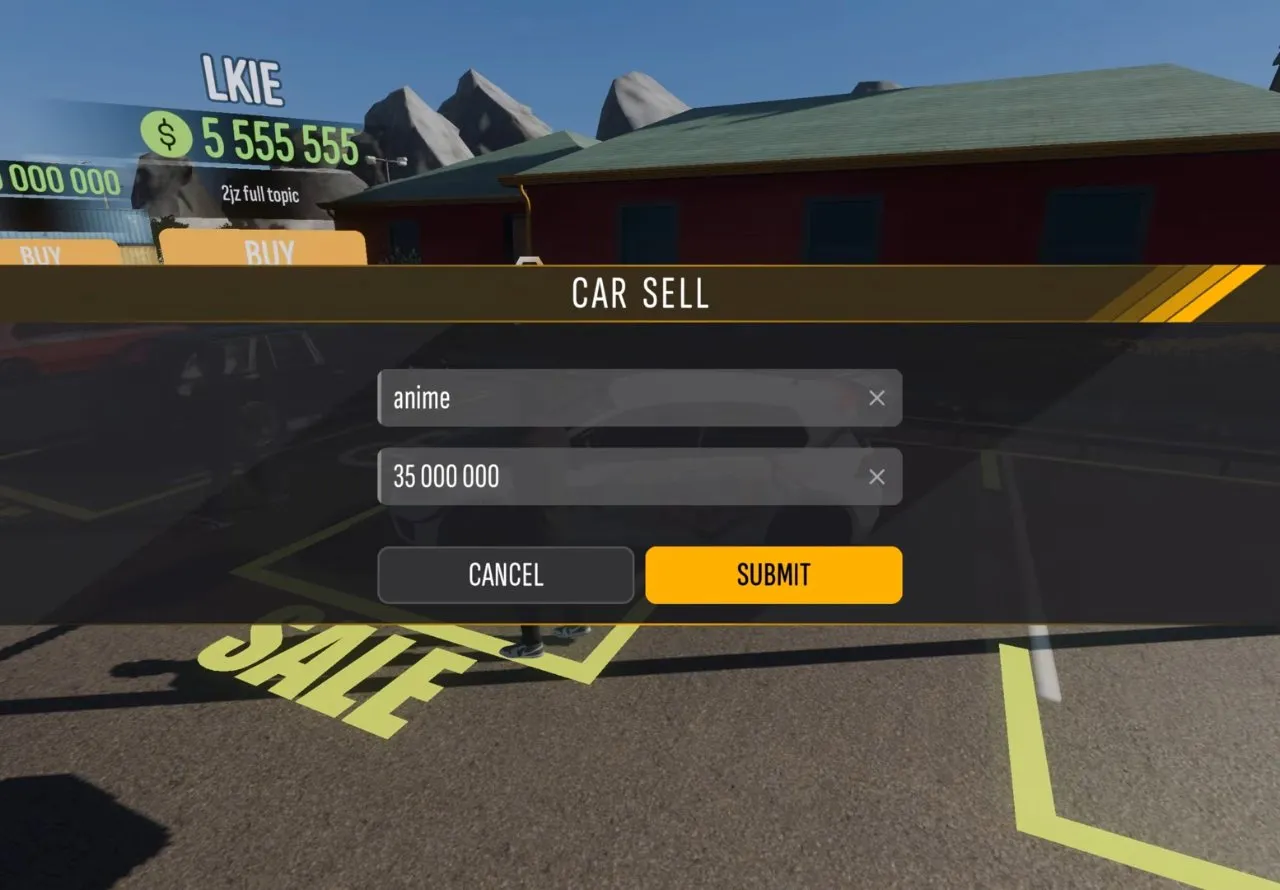
- Drive the exact car you intend to sell into a SALE bay.
- Add the text that buyers should see in Car Model, then enter your cash asking price under Price.
- Check the number before selecting Submit. The floating sign identifies the listing and shows the price and a BUY button.
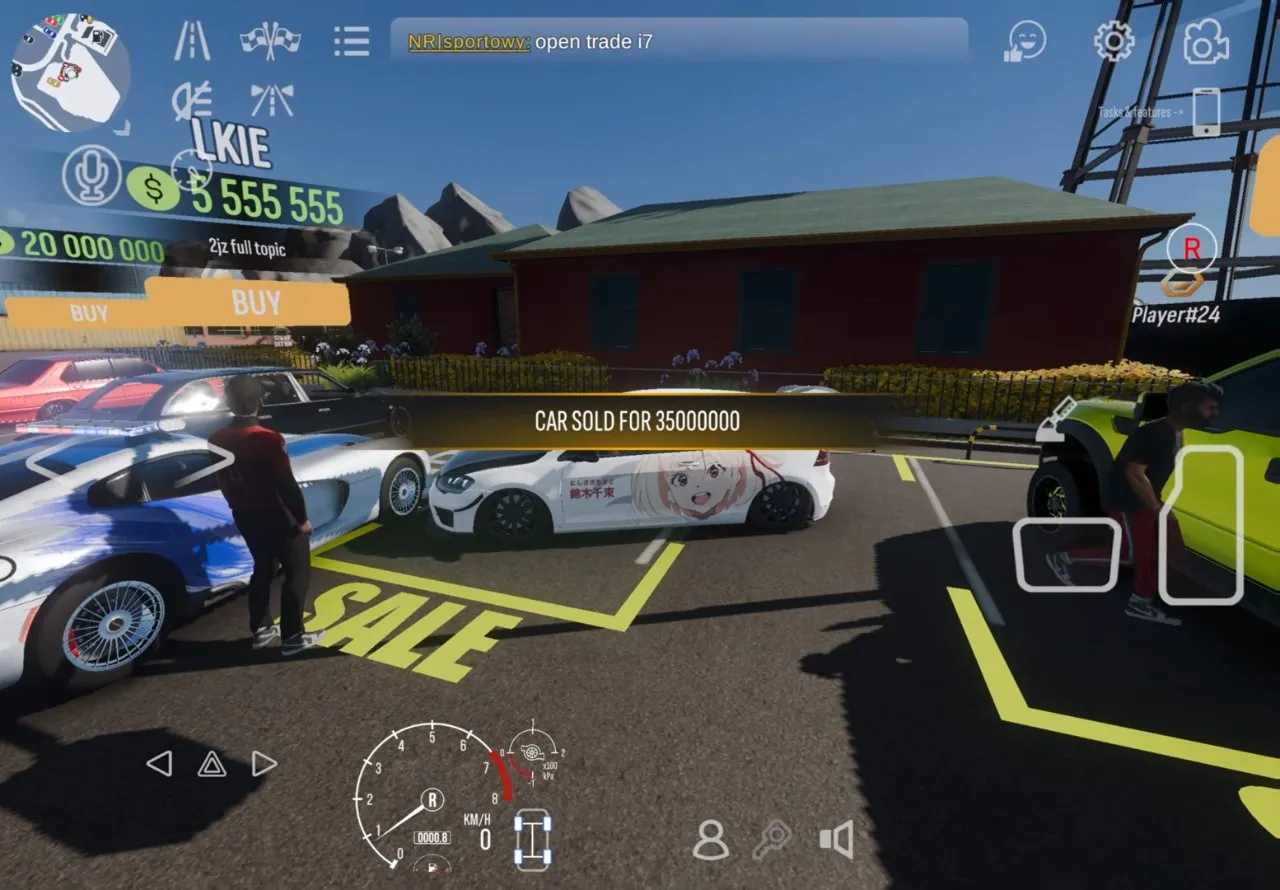
- Wait for a buyer. Confirm the sale with the CAR SOLD message and your cash balance.
What price should you enter?
The Golf in the video sold for 35 million cash. That amount came from one buyer and one listing. The car values page lists dealership prices, which are useful as purchase references. A multiplayer sale depends on the build, design, asking price and buyers in the room.
If your version uses a different sale menu, follow the prompts shown in the game. To track the cash side of a build, use the money and break-even calculator.